Music Lessons
Create a link-in-bio to sell music lessons.
Start selling music lessons and packages to students.
Accept online payments with 0% platform commission.

Build your own music school.
Create one page where students can view and book your lessons.
Create music lessons & packages
Add a single lesson or a package of several. Set the price, length, and whether you teach in person, online or both.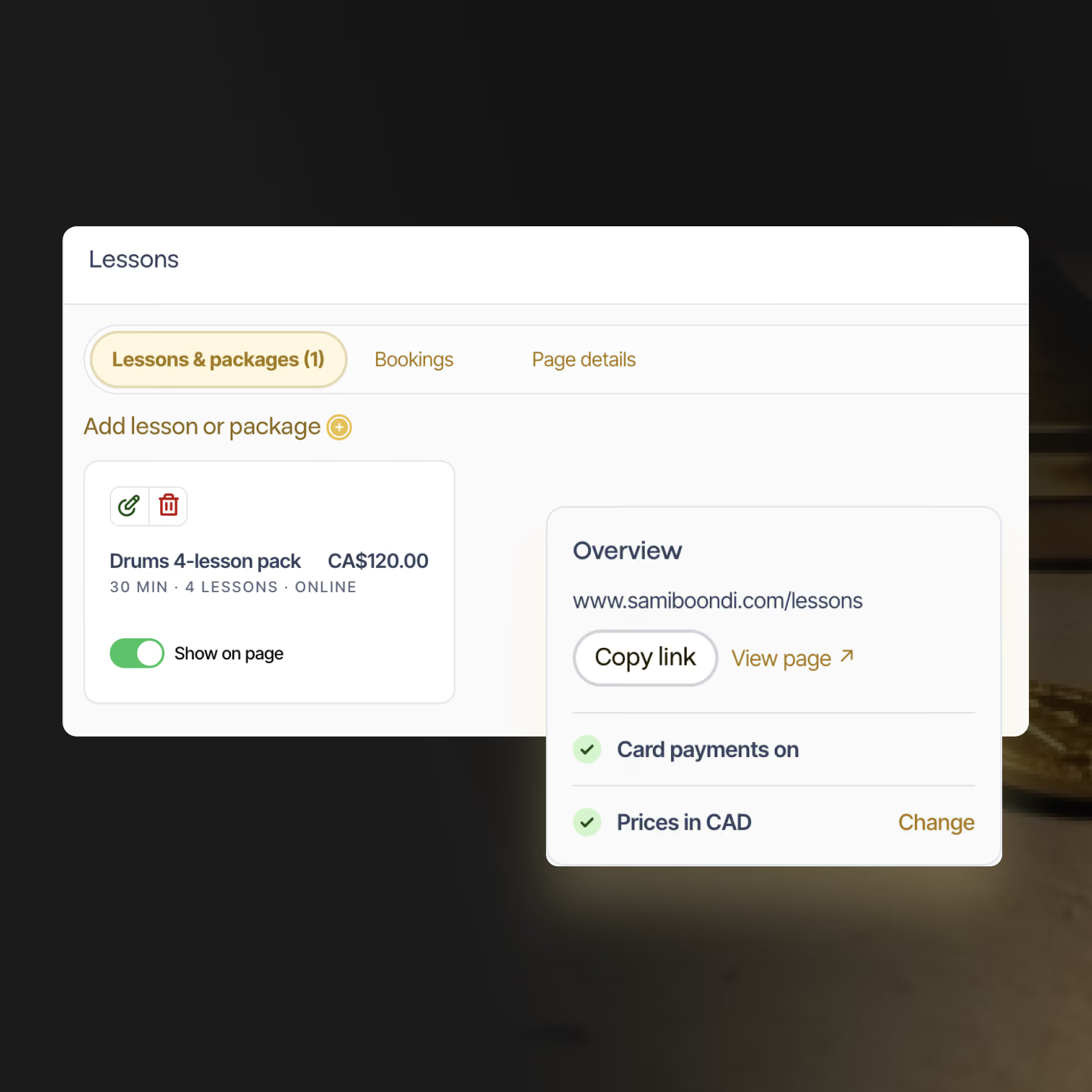
Manage bookings
Every booking lands in your dashboard with the student's email and phone number. Questions from students show up in the same place.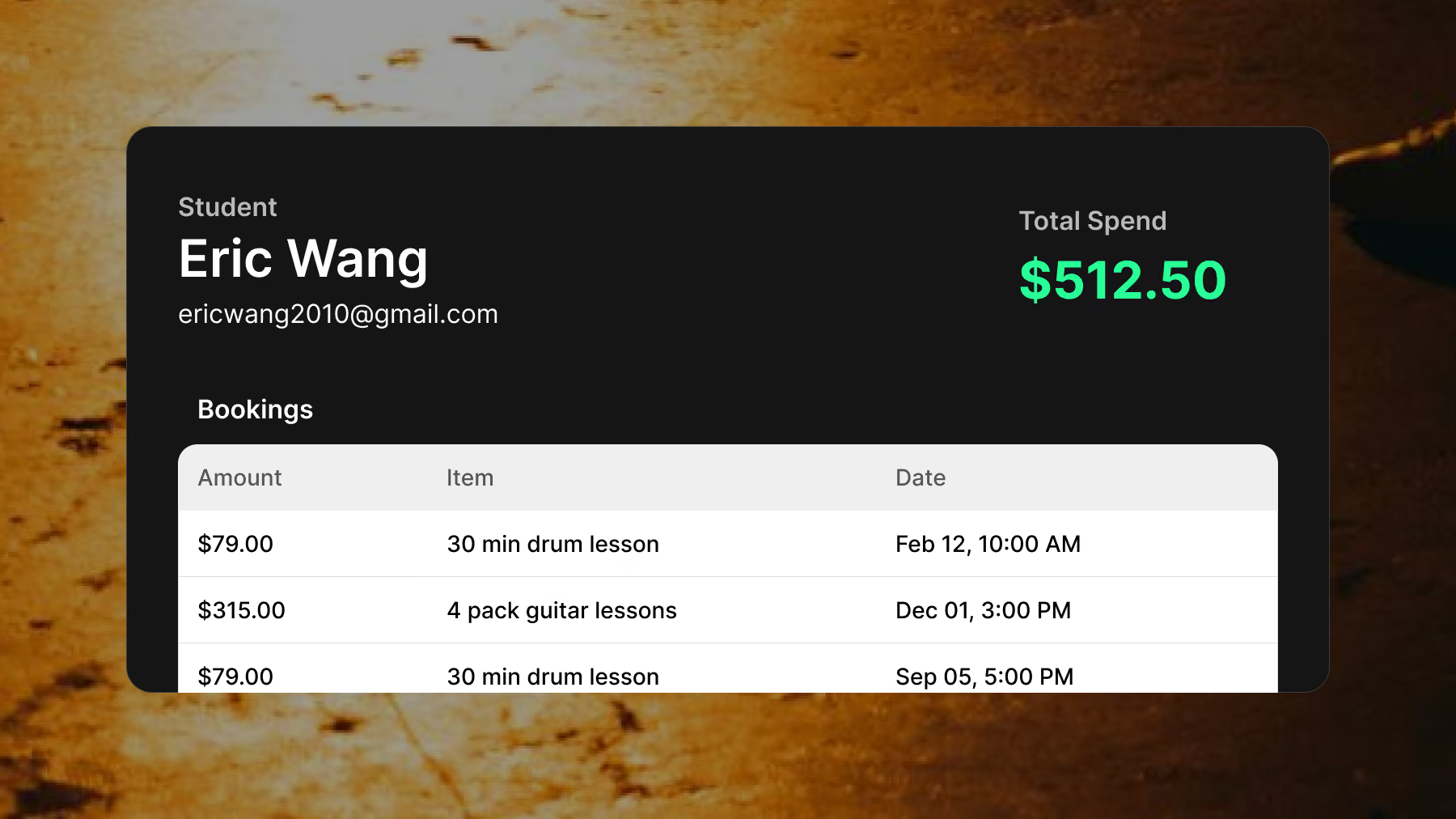
Automate student communication
Students get a confirmation email the moment they pay, with your own message inside: how to schedule, your Zoom link, what to bring. You get a copy, and replies come straight to you.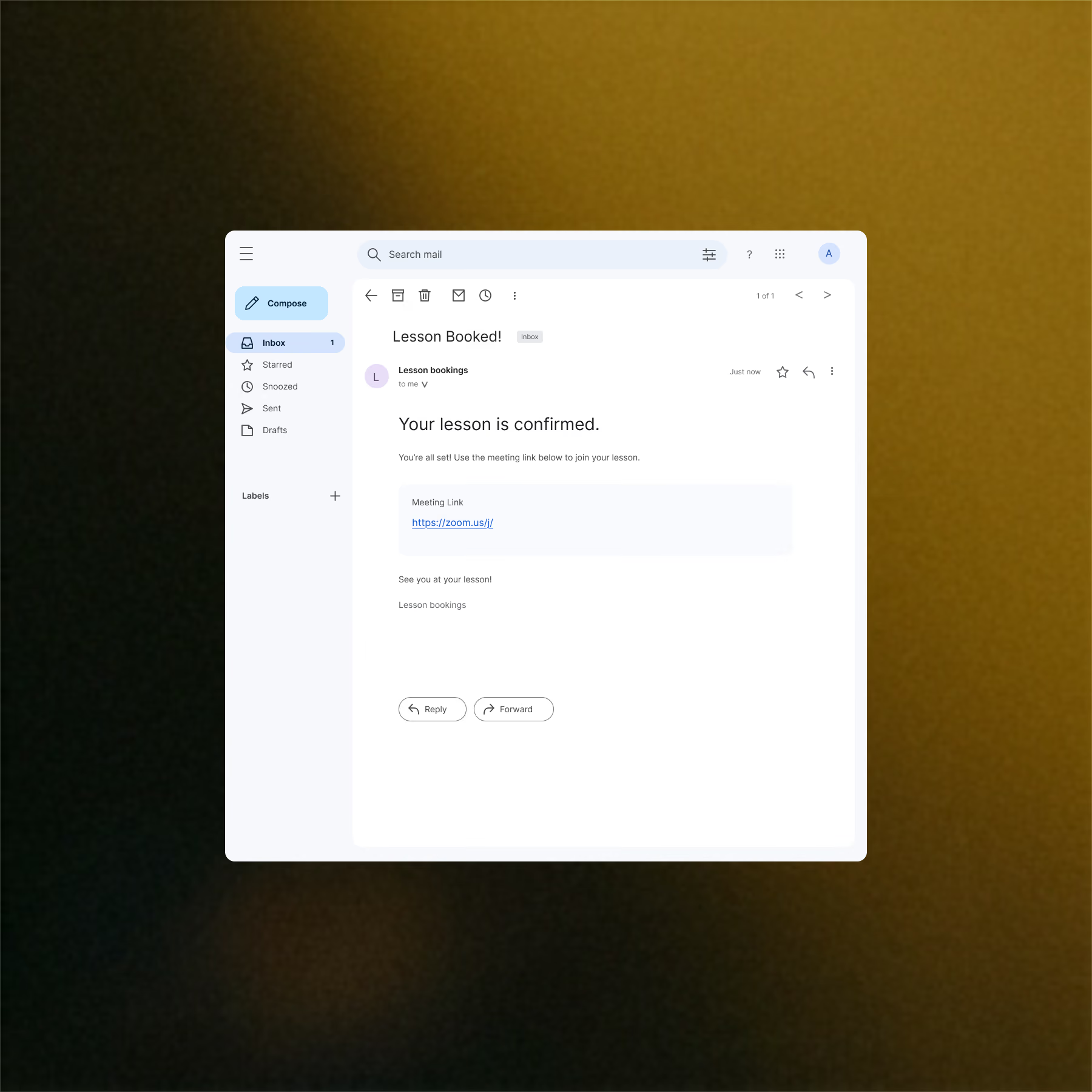
Accept online payments
Students pay by card right on your website, in your currency. We take 0% commission, so the money goes to your bank.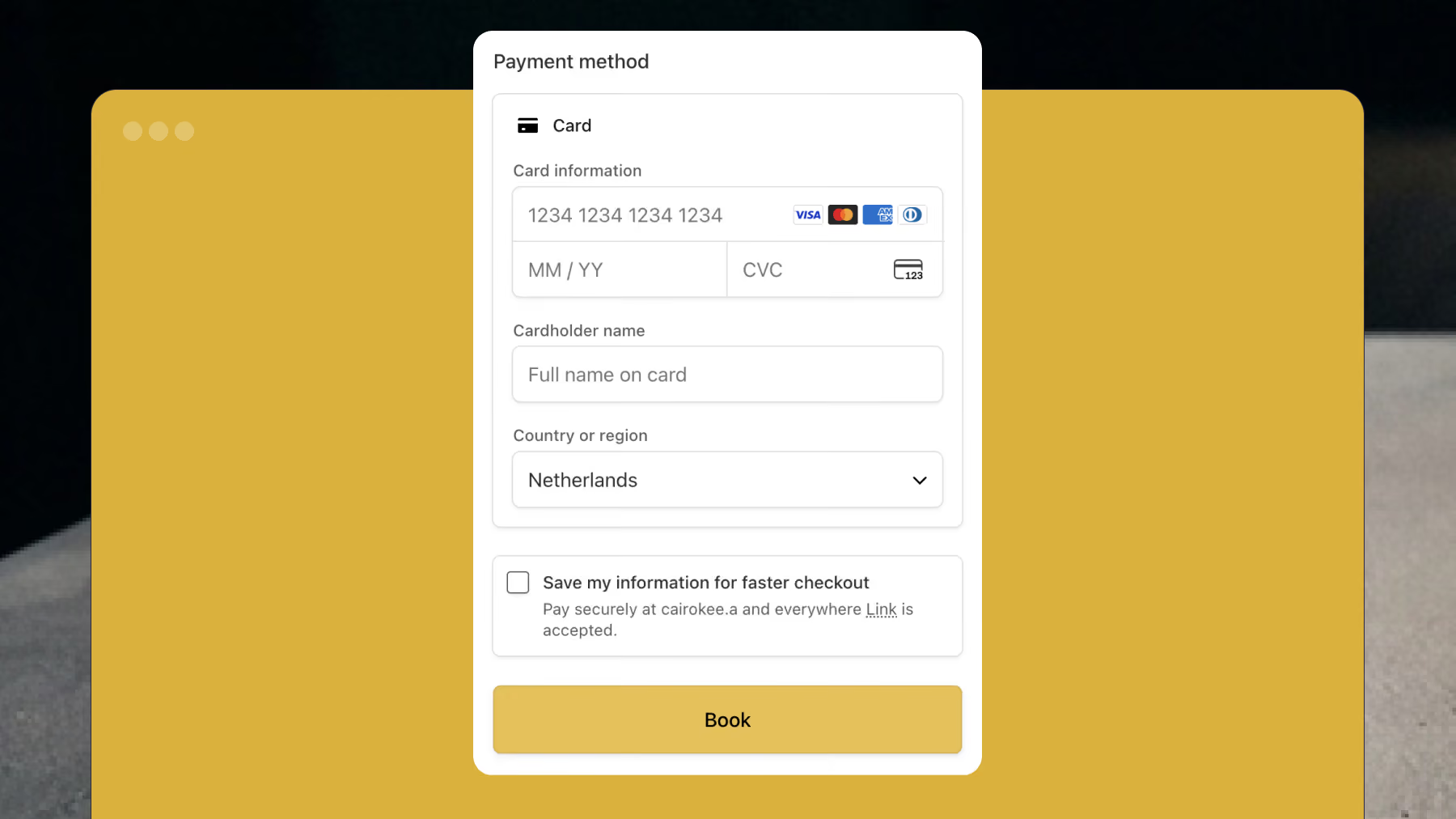
Frequently Asked Questions
Does About My Sound take a commission on lesson sales?
Short Answer
No. About My Sound takes 0% platform commission on every lesson and package you sell.
Long Answer
The only deduction is the standard card processing fee, 2.9% + 30¢ per payment in the US, which varies by country. Everything else goes to your bank. Lessons are included in the Pro plan ($13.50 per month), along with ticket sales, a mailing list and a free custom domain.
How do students book and pay for lessons?
Short Answer
Students choose a lesson on your website's lessons page and pay by card without leaving your site.
Long Answer
Your lessons live at yourname.aboutmysound.com/lessons, or on your own domain. A student picks a lesson or package, enters their details and pays through a secure checkout on the same page. Parents can add the student's name when they book for a child. Right after payment, the student gets a confirmation email with your message, and the booking shows up in your dashboard.
Can students pick a lesson time when they book?
Short Answer
There's no built-in calendar. You arrange lesson times with each student directly.
Long Answer
Use the after-purchase message to tell students what happens next. It goes out in every confirmation email, so you can include a link to your Calendly or Google Calendar booking page, or simply say you'll be in touch to set a time. When a student replies to the confirmation email, the reply comes straight to you.
Can I teach online lessons?
Short Answer
Yes. Mark each lesson as in person, online or either, and students see it before they book.
Long Answer
About My Sound handles the listing, the payment and the confirmation email, not the video call. Teach on whatever you already use, like Zoom, Google Meet or FaceTime, and put your meeting link or setup notes in the after-purchase message so every student gets it the moment they pay. For in-person lessons, add your studio location or the area you cover to your lessons page.
How do I get paid?
Short Answer
Card payments go straight to your bank.
Long Answer
Connect payouts in Account Settings to take card payments. Money is sent to your bank on a regular payout schedule, and you can issue refunds yourself. You can also list lessons without connecting online payments. Students can then contact you directly through a form on your lessons page.
